Best AI Thumbnail Generator for YouTube in 2026

Magnet Team
Content Team
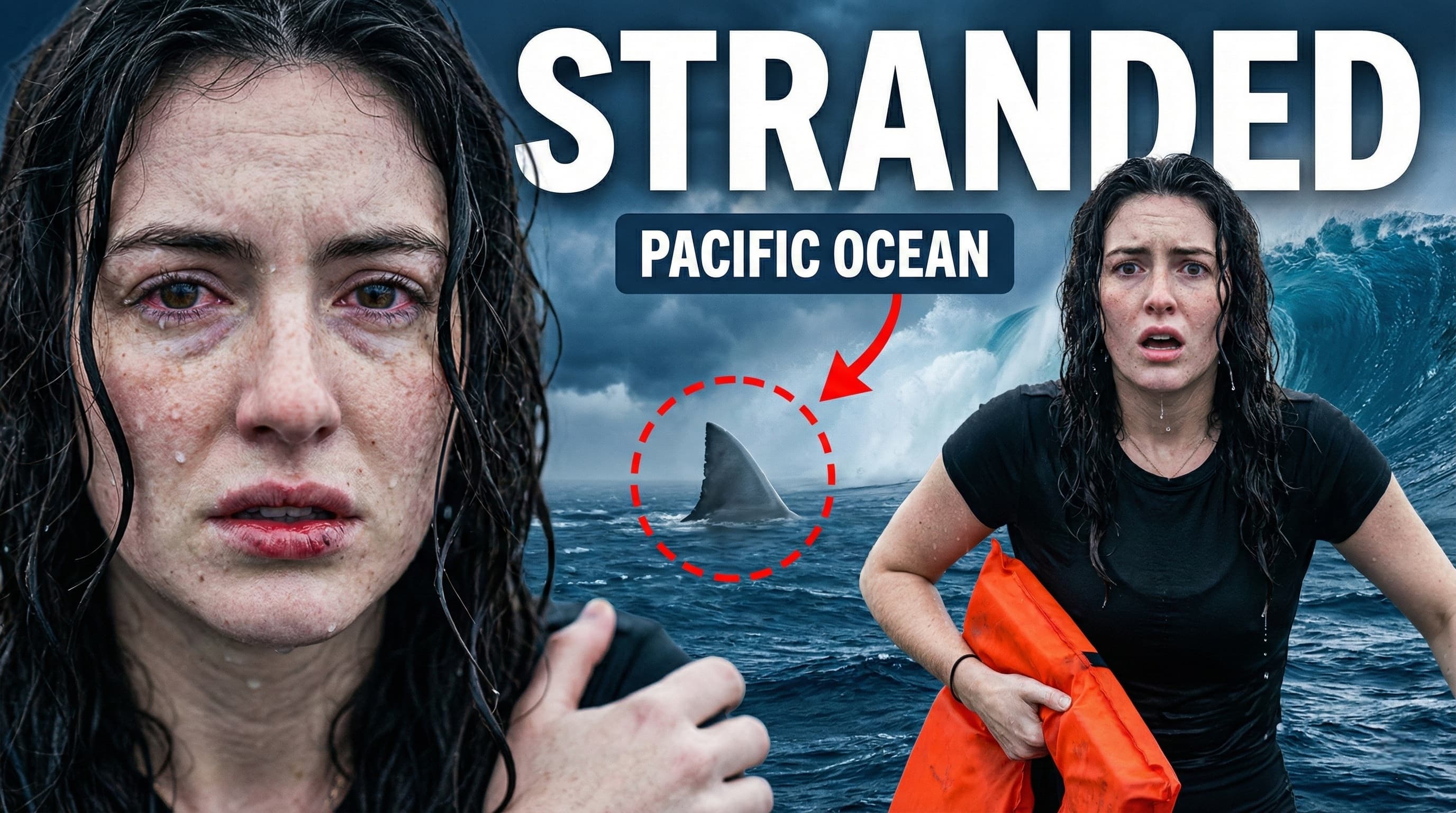
The era of 'obvious AI' is over. In 2024, you could get away with a generic, slightly plastic-looking Midjourney generation. But in 2026, viewers have developed 'AI blindness.' They scroll right past images that look like stock photos. To win the click today, you need specificity, consistent personal branding, and psychological hooks.
We tested the top 5 tools on the market to find the best AI thumbnail generator for YouTube. We judged them on three criteria: Likeness Preservation (does it actually look like you?), Text Rendering (can it spell?), and CTR Optimization (does it get clicks?).
1. Magnet (Best Overall for CTR & Consistency)
Magnet has rapidly become the industry standard for serious creators because it solves the biggest problem with generative AI: Identity Drift. While other tools generate a random person who kind of looks like you, Magnet maps your actual facial structure onto viral templates.
Key Features:
- Likeness Preservation: Upload 5 selfies once, and generate infinite thumbnails with your exact face.
- Viral Styles: One-click templates mimicking top creators (MrBeast, Iman Gadzhi, Ali Abdaal).
- Ideation Engine: It reads your video description to suggest visually congruent concepts.
The Verdict: If you want high-performing thumbnails without hiring a designer, this is the only purpose-built tool for the job.
2. Midjourney (Best for Artistic Composition)
Midjourney remains the king of raw artistic quality. The lighting, texture, and creativity are unmatched. However, for YouTubers, it has a fatal flaw: Workflow Friction.
To get a good thumbnail from Midjourney, you usually need to generate the background, upscale it, bring it into Photoshop, cut out your own photo, and add text manually. It is an asset generator, not a thumbnail generator.
3. Canva Magic Studio (Best for Beginners)
Canva is the safe choice. Their 'Magic Media' tools allow you to generate images directly on the canvas. The integration is seamless, and their text tools are obviously superior to any raw image generator.
The Downside: The AI generations often feel 'stock-photo-ish.' They lack the grit, extreme contrast, and hyper-realism that drives clicks in competitive niches like Gaming or Finance.
4. Adobe Firefly (Best for Editors)
If you are already living inside Photoshop, Firefly is incredible. The 'Generative Expand' feature is a lifesaver for resizing images to 16:9. However, it is expensive and has a steep learning curve. It is a tool for professional designers, not creators who need to ship a video in the next hour.
Comparison: The 'Likeness' Test
We ran a test trying to generate a 'Shocked expression in a burning room' for a tech creator.
- Midjourney: Created a beautiful burning room with a random man who looked nothing like the creator.
- Canva: Created a cartoonish style that didn't fit the channel vibe.
- Magnet: Perfectly placed the creator's face (with the correct skin texture and expression) into the scene instantly.
Final Verdict
If you are an artist who loves spending hours tweaking prompts and compositing layers in Photoshop, Midjourney is still a fun tool. But if you are a creator who treats YouTube as a business, Magnet is the only tool that respects your time and your brand identity.