Best Midjourney Prompts for YouTube Thumbnails

Magnet Team
Content Team
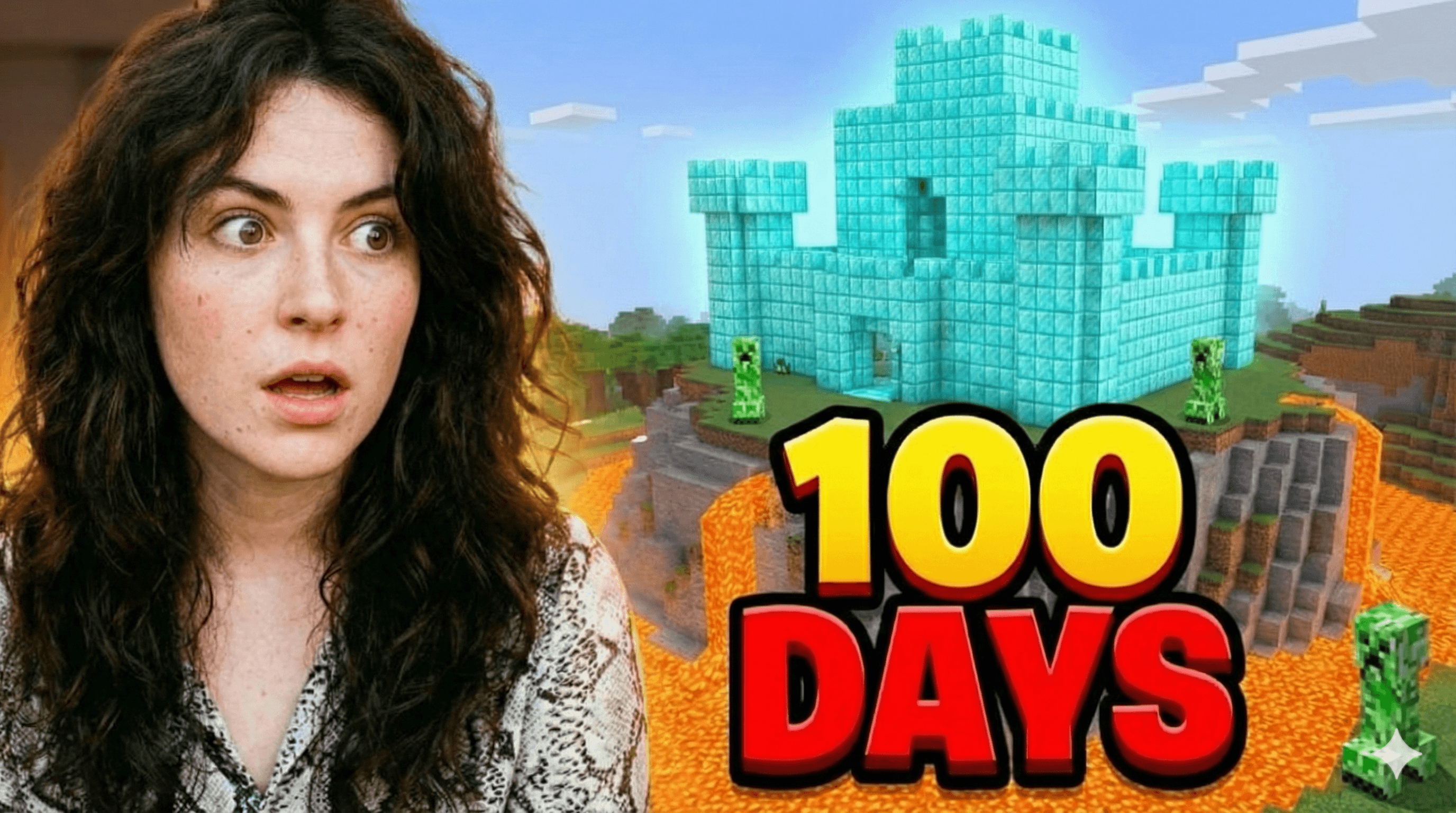
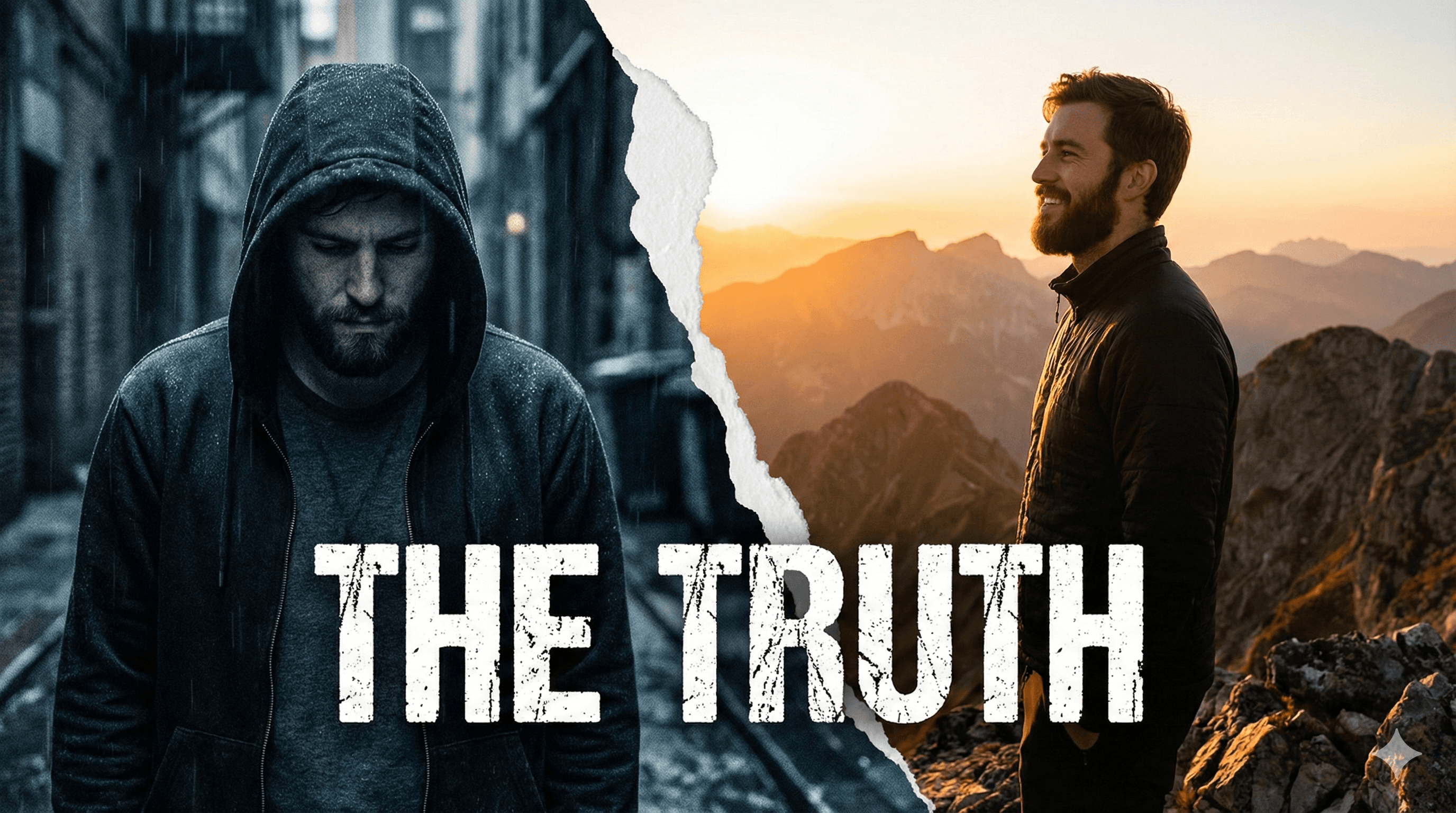
You know the drill: the video is done, the edit is polished, but the CTR (Click-Through Rate) is do-or-die. You turn to AI. Finding the best Midjourney prompts for YouTube thumbnails can feel like learning a new coding language. You want viral visuals, but you often end up with six-fingered hands or weird alien landscapes.
Midjourney v6 is a beast, but it requires precise engineering to get results that actually stop the scroll. In this guide, we are breaking down the exact prompt structures, style modifiers, and technical parameters you need to generate high-quality assets. Plus, we’ll discuss the one thing Midjourney can't do—preserve your face—and how to solve that.
The Anatomy of a Viral Midjourney Prompt
Before we dive into copy-paste lists, you need to understand the syntax. A thumbnail prompt isn't just a description; it's a set of instructions for a visual engine. Here is the formula top creators use:
[Subject/Action] + [Environment/Background] + [Lighting/Mood] + [Style Parameters] + --ar 16:9
The most critical part for YouTubers is the --ar 16:9 tag. If you forget this, you get a square image that is useless for your channel layout. Additionally, creating 'negative space' is vital. You need room for your text overlay.
Top Midjourney Prompts for YouTube Backgrounds
A great thumbnail usually consists of a highly expressive subject (you) and a compelling background. Midjourney excels at the background layer. Here are prompts to generate distinct vibes:
The Tech/Gaming Studio:
"Modern gaming studio background, purple and blue neon rim lighting, depth of field, blurred background, bokeh effect, high tech setup, 8k resolution, cinematic lighting --ar 16:9"
The 'Versus' Battle Arena:
"Split screen background, fire on left side, ice on right side, intense contrast, dramatic particles, versus mode background, highly detailed, aggressive atmosphere --ar 16:9"
The Wealth/Luxury Vibe (Iman Gadzhi Style):
"Interior of a private jet, leather seats, golden hour lighting through window, clouds outside, luxury lifestyle, moody lighting, cinematic composition, photorealistic --ar 16:9"
Character Prompts: Generating Expressive Faces
If you aren't using your own photo, you need AI avatars that convey extreme emotion. Subtle smiles don't get clicks; extreme shock, anger, or joy does.
The 'MrBeast' Shock:
"YouTuber making a shocked face, mouth open, hands on cheeks, eyes wide open, hyper-realistic, studio lighting, 4k, canon r5 photography --ar 16:9"
The Angry Critic:
"Man screaming in anger, veins popping, red face, intense rim lighting, dramatic shadows, close up shot, furious expression --ar 16:9"
The 'Midjourney Problem' No One Talks About
Here is the hard truth about using Midjourney prompts for YouTube thumbnails: The AI doesn't know who you are.
You can generate a 'shocked guy,' but it won't be you. It will be a random AI-generated person. To build a personal brand, your audience needs to recognize your face instantly. Trying to train Midjourney on your face using image references is inconsistent, time-consuming, and often results in the 'Uncanny Valley' effect where you look slightly melted.
Furthermore, Midjourney cannot compose a full thumbnail. It creates art. It doesn't know how to place a subject on the right to leave room for text on the left. You still end up spending hours in Photoshop masking out backgrounds and color-grading layers.
Stylized Prompts for Niche Channels
If your channel relies on faceless content or illustration, Midjourney is incredibly powerful. Use these style modifiers to stand out in the subscription feed.
The Pixar/Disney 3D Style:
"Cute 3D character explaining a whiteboard, Pixar style render, bright colors, soft lighting, 3d blender render, octane render, high cute factor --ar 16:9 --niji 6"
The Dark Documentary:
"Grainy black and white photograph, mysterious figure in shadows, detective file vibe, true crime atmosphere, film grain, vignette --ar 16:9"
The Crypto/Finance Chart:
"Holographic stock market chart rising, green bullish candles, futuristic hud, digital economy concept, dark background, data visualization --ar 16:9"
Stop Prompting, Start Creating with Magnet
Learning to engineer prompts is a valuable skill, but as a content creator, your time is your most expensive asset. Spending 45 minutes rerolling Midjourney prompts to get a face that looks kind of like you is a waste of production time.
This is why we built Magnet. We took the power of generative AI and fine-tuned it specifically for high-CTR thumbnails.
With Magnet's Likeness Preservation engine, you upload a few selfies once. Then, you can generate yourself in any scenario—holding money, looking shocked in a burning room, or sitting in a private jet—and it actually looks like you. No photoshoots, no green screens, and no complex prompt engineering.
Magnet also includes our Ideation Engine. Paste your video description, and we will analyze the metadata to suggest visual concepts that are proven to click, generating the image for you in seconds. Stop fighting with Discord bots and start getting the click.